1
Select your audio source
Choose your audio source (mic stream or local file upload).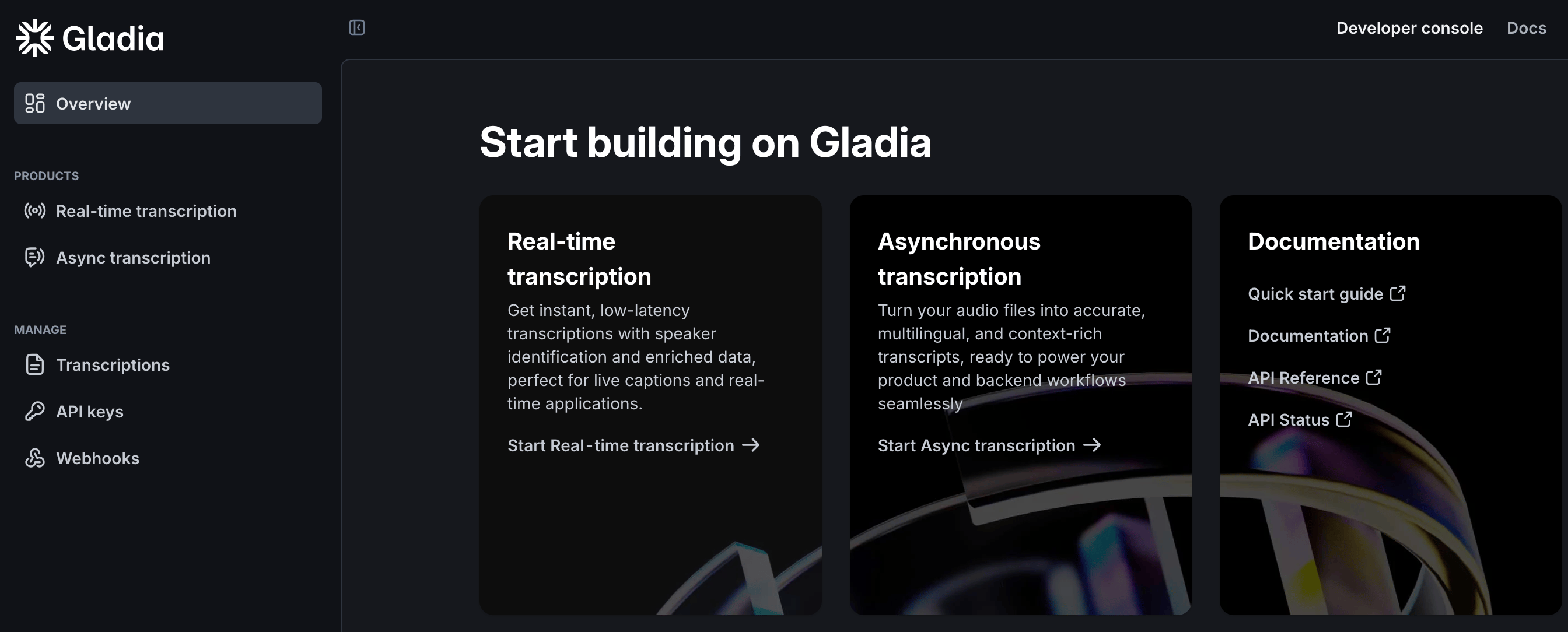
2
Select features
Select Gladia provides.
In this example we enable named entity recognition.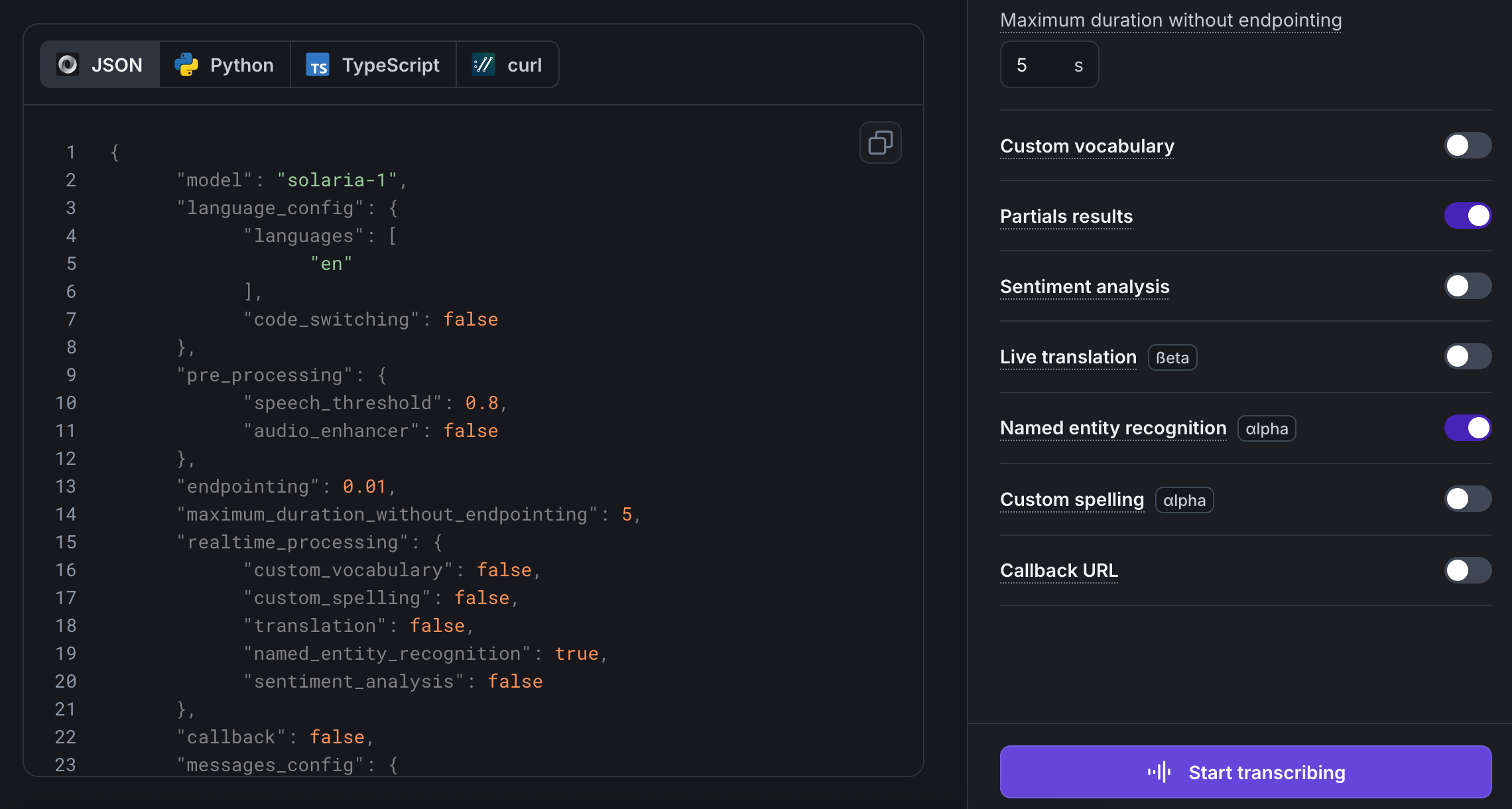
In this example we enable named entity recognition.
Only a subset of API features is available in the playground. For advanced testing,
see the API documentation.
3
Talk to Gladia
Click Start transcribing to see your voice in the Transcription tab.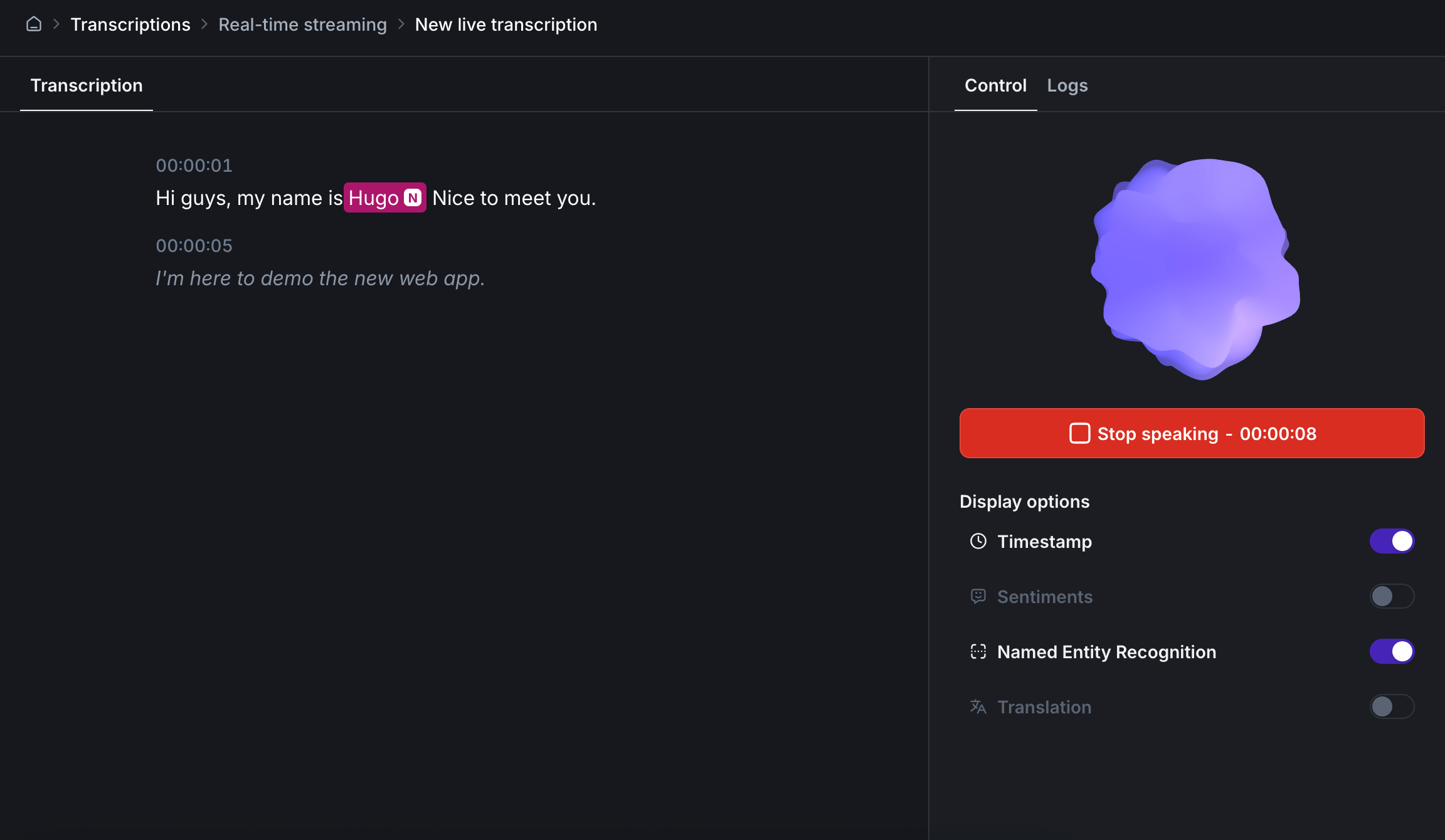
Italic text is partial transcripts.
4
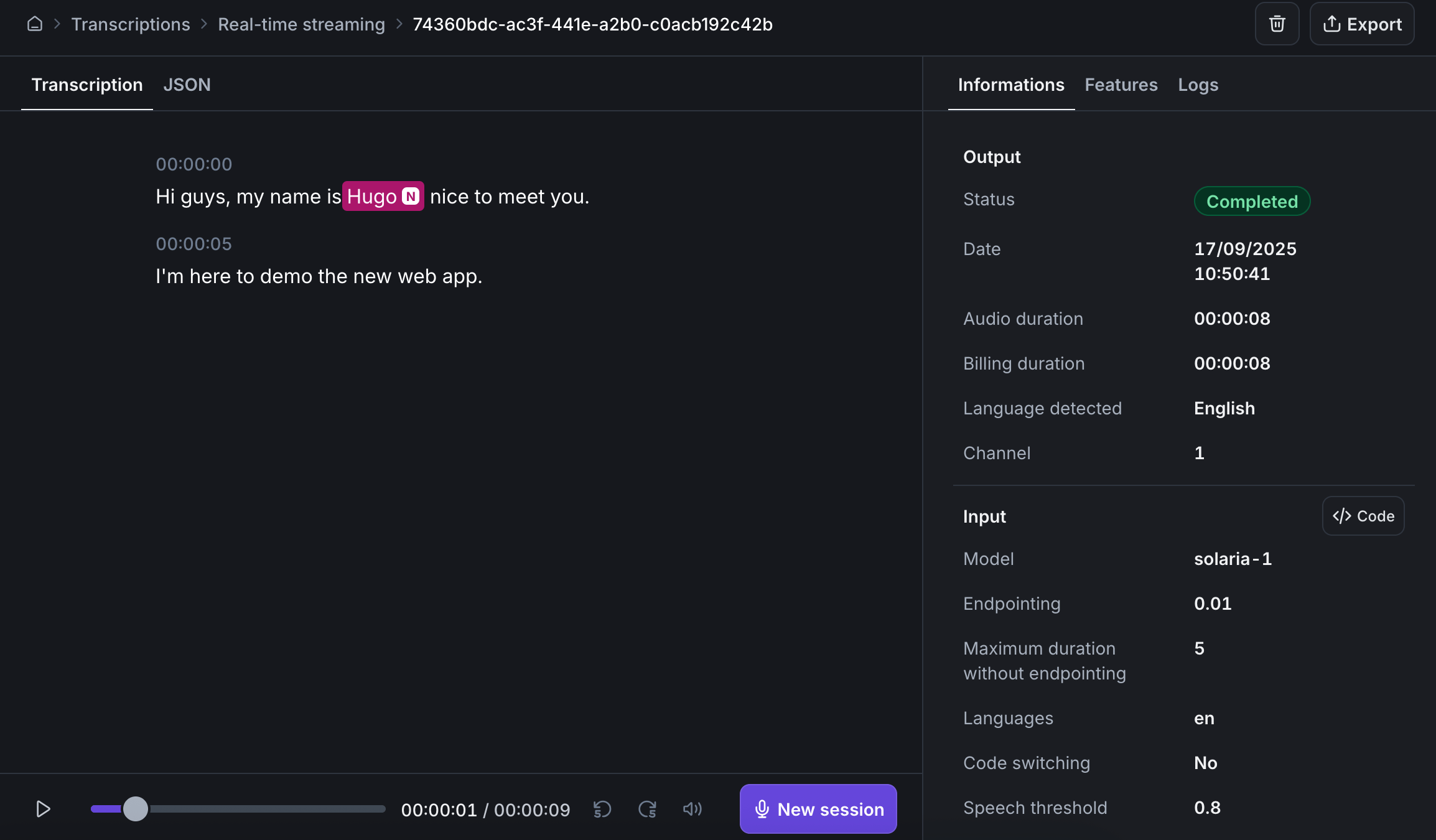
Transcribe
The Transcription tab shows a readable result. The JSON tab shows the same payload you would get from an API call.